


Snap your food.
Know your macros.
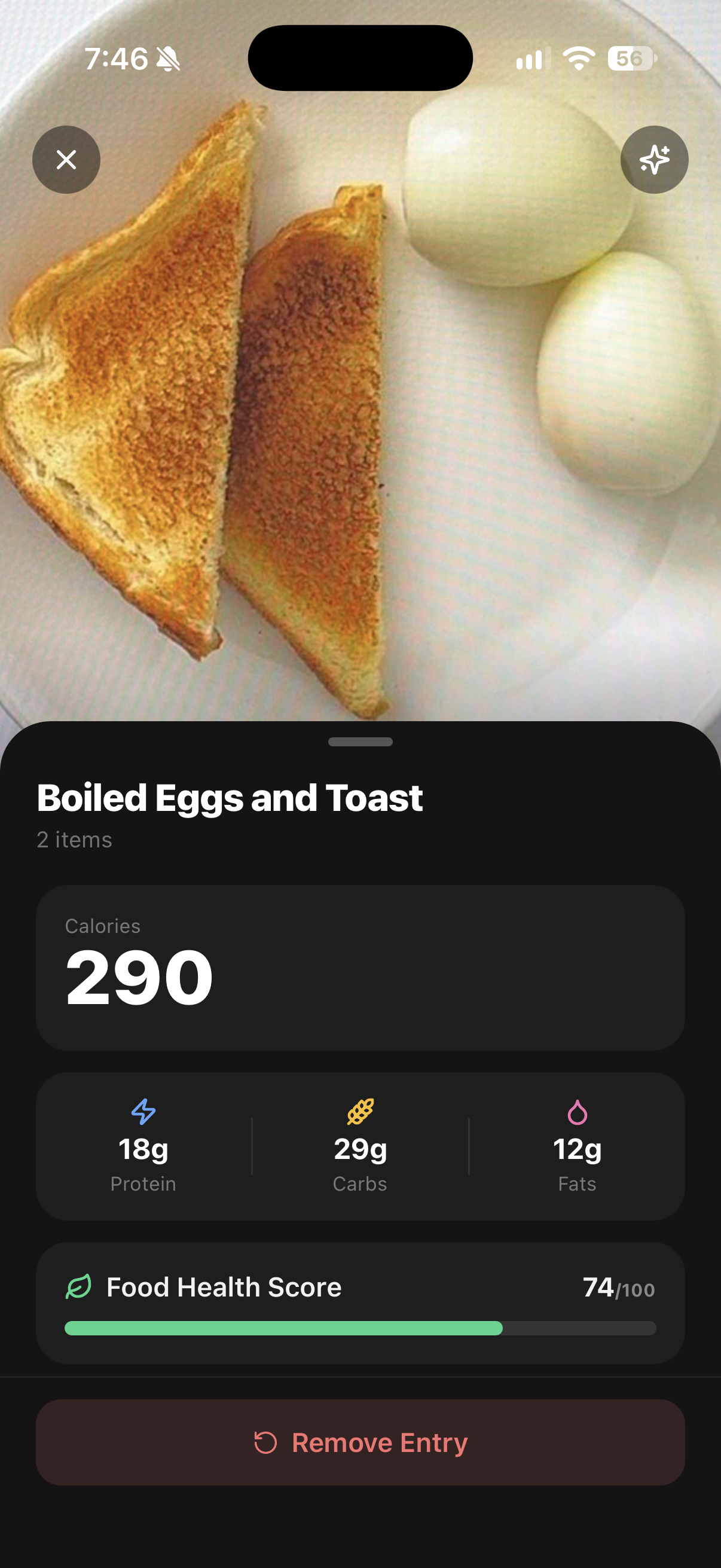
Take a snap of your meal, MacroSnap works out the macros and tracks your intake

This app may block this link. Tap ••• at the top right, then Open in Browser.
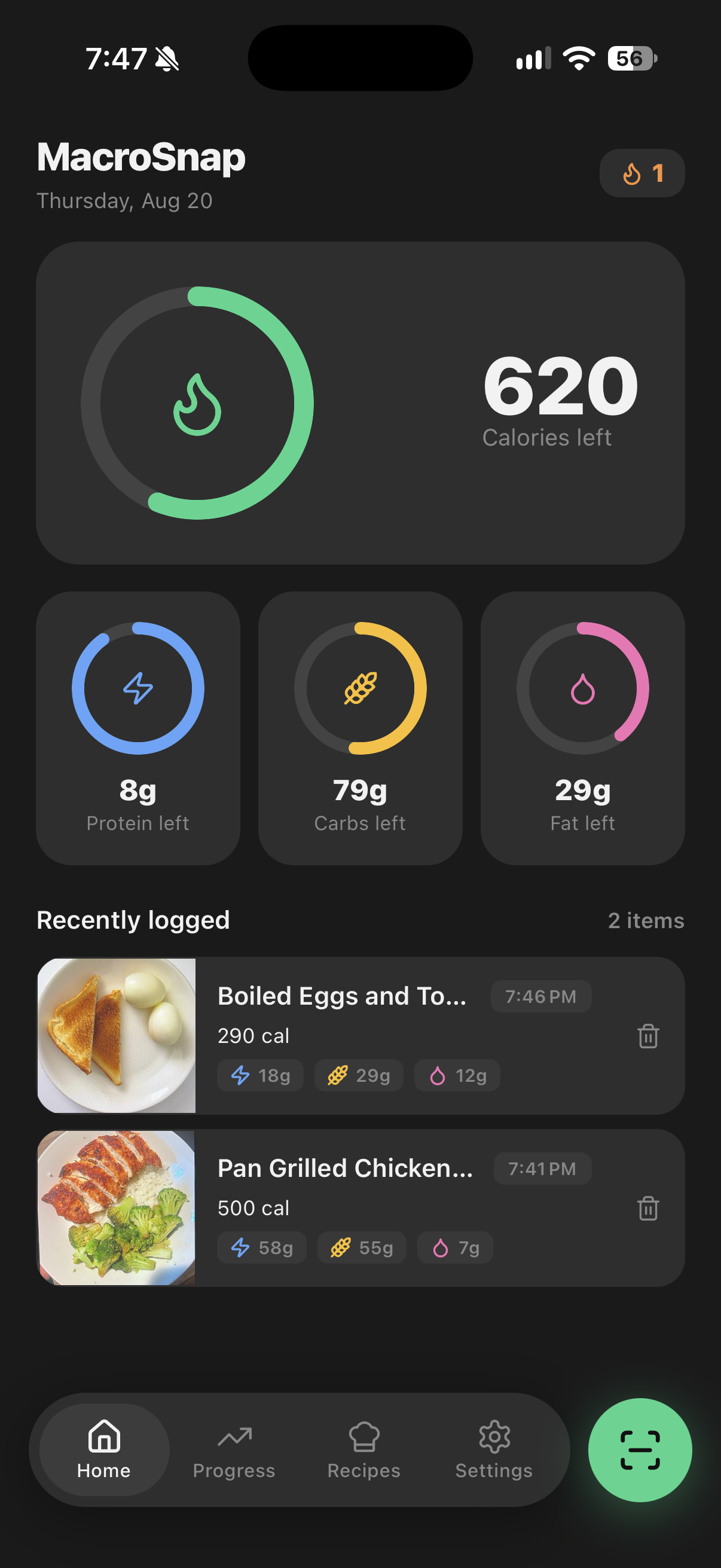
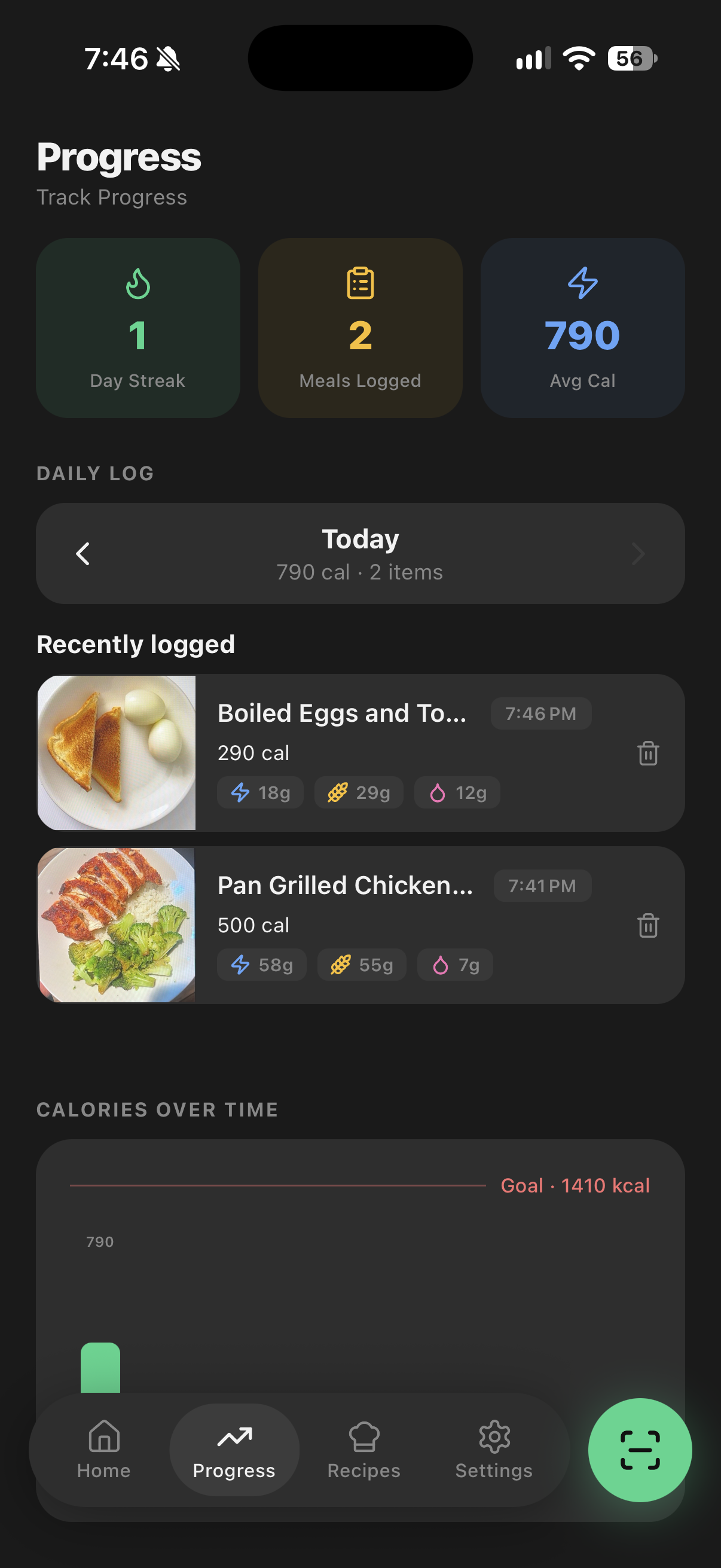
What does MacroSnap include?
Pick a feature to see it in the app.
Frequently asked questions
I paid but the app still shows a payment page
- Make sure you're signed into the Apple account you purchased with.
- Tap the Restore Purchase button — it's at the top right, or underneath the green button at the bottom.
I want a refund. How do I get one?
Refunds depend on where you bought your subscription:
- Apple App Store: Apple handles this directly.
- Bought directly from MacroSnap? Email us.
How accurate is the body fat scan?
The body fat scan gives an AI-generated estimate based on your photo. It is not a medical measurement and should not be used for diagnosis or medical decisions. Results can vary with lighting, camera angle, clothing, and posture. For best results, use consistent lighting and positioning each time, and speak with a qualified health professional if you need an accurate assessment.
What does MacroSnap do with my body scan photos?
Body scan photos are sent to the Google Gemini API for AI-powered body fat estimation. Photos are not stored on our servers beyond what is needed to process your request. Body scan photos are only taken or uploaded when you choose to use the feature. See our Privacy Policy for full details.
Start tracking in under a minute
Free to download. Your first scan takes about two seconds.